Quick Answer: The best anonymous Instagram viewer tool depends on the use case. For browsing and downloading stories, most dedicated viewer tools are functionally comparable. The actual differences are in interface speed, highlight access, download quality, whether login is required, and how clearly the tool's privacy practices are explained. We examine the leading options in each category below.
When searching for an anonymous Instagram story viewer, the user will find dozens of options claiming to be the best. Most such tools are essentially the same in their underlying purpose: retrieving publicly accessible story content from Instagram via an intermediate server in order to avoid appearing in viewer lists. The functional differences between these tools, however, are rarely emphasized in the body of the marketing copy.
This article examines the leading anonymous viewer tools available in 2026 based on the criteria that actually impact the end user: reliability, features, privacy, download quality, and interface convenience.
What All Anonymous Instagram Viewer Tools Have in Common
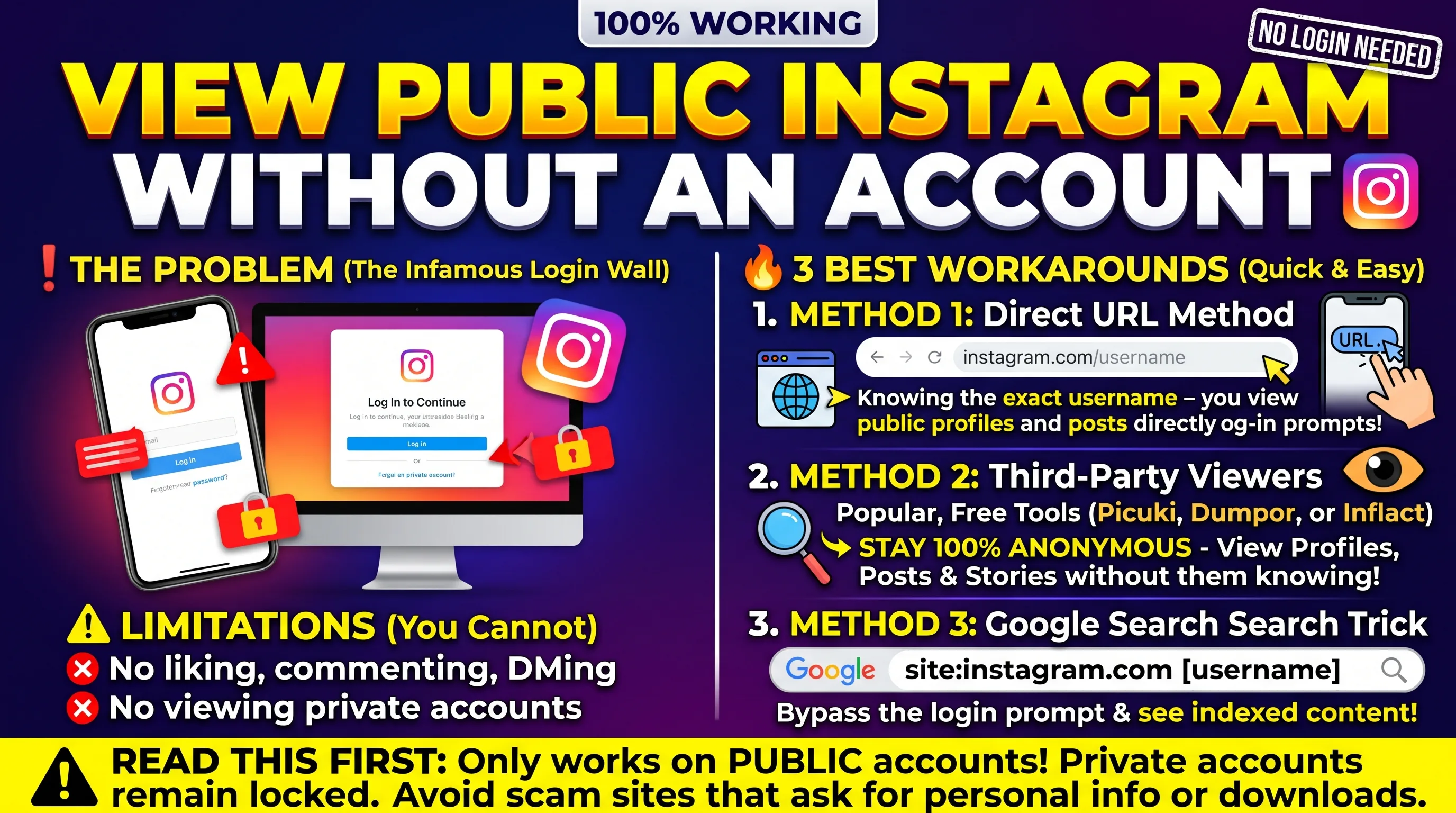
Before proceeding to the actual comparisons, it is useful to note the commonalities between all legitimate anonymous viewer tools. Anonymity in this context is achieved through the tool's ability to fetch content from Instagram through an independent server rather than the end user's browser or account. As a result, no login is required to use the tool, no viewer notification is sent to the Instagram account, and the viewer's identity in general is not exposed in any way.
Regardless of the tool, content can only be viewed from public Instagram accounts. It is impossible to view highlights, stories, or any other content from private accounts through these tools since they are not accessible through Instagram itself in any capacity.
The Criteria That Separate Good Tools From Average Ones
The differences between the leading anonymous viewer tools tend to fall under six categories: tools uptime and reliability, highlight access, download functionality and quality, interface cleanliness and speed, privacy practices and data policy, and whether the tool is free or requires payment. Below, the tools are compared according to these criteria.
Tool Breakdown and Comparison
Dedicated Instagram Story Viewer Tools
The category standard for anonymous story and highlight viewing
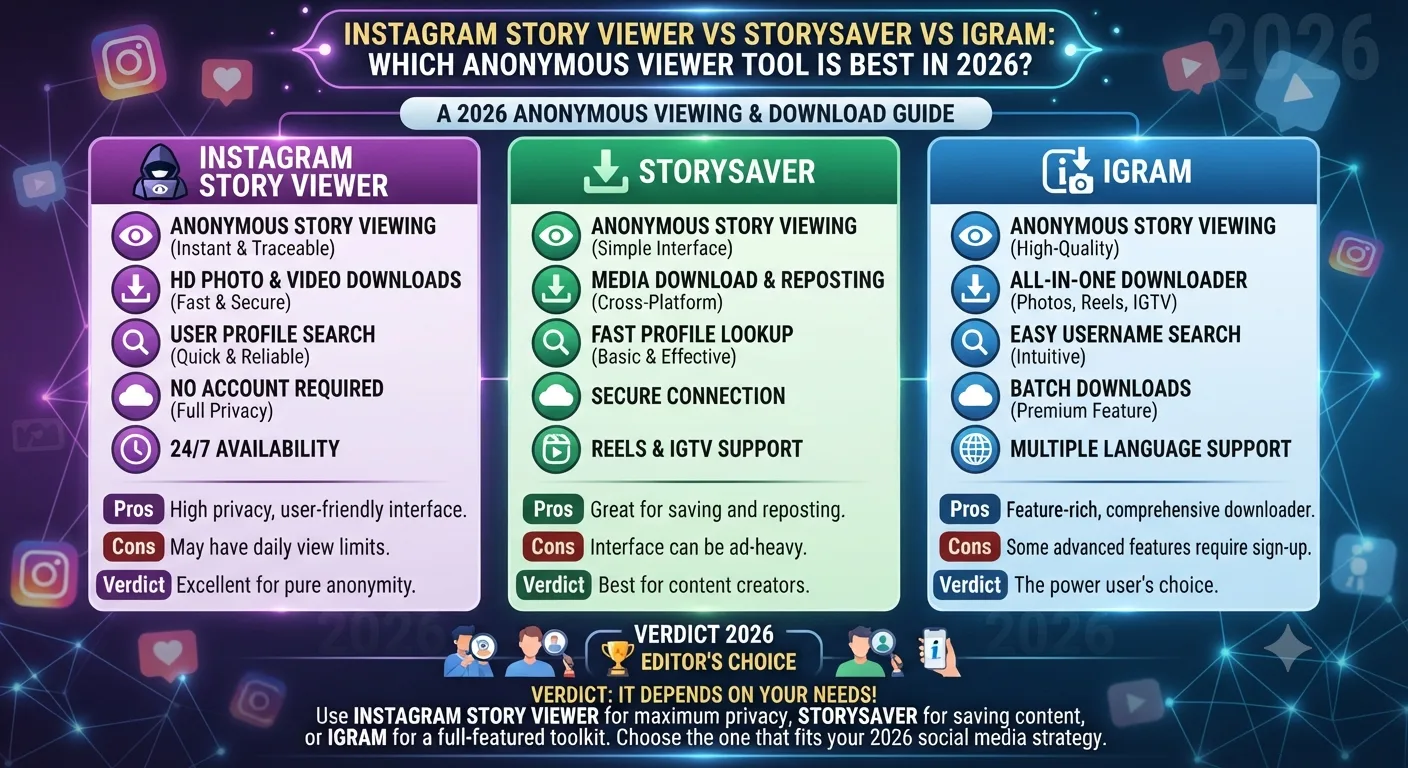
Purpose-built story viewer tools are the best in their category for the core use case of viewing stories and highlights anonymously. The most feature-rich tools provide an intuitive search interface, quick loading of the content, and the ability to view both current stories and highlight collections. Some of the best options also provide the ability to download individual slides or entire highlight collections.
The best-dedicated story viewer tools maintain the ability to view the story in its original quality without lossy compression and offer the option to download a video story at source quality. Tools in this category also tend to have the fastest interface and the most intuitive search because they are designed with this singular purpose in mind. Dedicated viewers also tend to have the most generous uptime among the tools examined as they are the most established segment in the category.
Interface-wise, the best tools take between two and three seconds to load the story on entering a username, which is important for extensive research and monitoring use cases.
AStory Access
AHighlights
B+Download Quality
ANo Login
BInterface Speed
Best for: General story and highlight browsing, competitive research, saving content for reference
StorySaver Style Tools
Download-focused tools with batch saving capabilities
A particular subset of tools is organized around the concept of downloading Instagram content rather than viewing. Tools in this category have a stronger emphasis on the ability to download content, often providing the ability to batch-download entire highlight collections at once rather than saving each slide individually. For use cases centered around saving content, particularly brand mentions, competitor campaigns, and evidence collection, download-focused tools have an advantage.
The downsides of the tools in this category are slower interface due to the download-focused design and the lack of highlight browsing functionality. Browsing is significantly slower than on dedicated viewers, so unless the use case is focused on downloading rather than browsing, it is advisable to use a different category of tools.
B+Story Access
AHighlights
ADownload Quality
ANo Login
BInterface Speed
Best for: Batch downloading highlights, saving evidence of public posts, archiving brand mentions
iGram Style Multi-Function Tools
Broader Instagram content downloaders with story viewing as one feature
Multi-function Instagram content tools include story viewing and highlight saving as one feature within a broader set of Instagram content downloading and saving tools. Tools in this category usually have the ability to download not only stories but also regular post content, Reels, and IGTV videos in addition to highlights. These tools are most useful when the use case involves downloading multiple content types rather than just stories.
The disadvantage of the tools in this category is that they are less focused on any particular content type, so the ability to view and download stories is somewhat worse than in the dedicated story viewers. However, if the user has a need to regularly download multiple content types from Instagram, using a multi-function tool is more convenient than using multiple single-purpose tools.
BStory Access
B+Highlights
ADownload Quality
ANo Login
B+Interface Speed
Best for: Users who need to download multiple content types beyond stories, occasional use across various Instagram content formats
Privacy Practices: What to Look For in Any Tool
The privacy practices of the tool itself are worth examining prior to using it extensively. Since the tool by its nature does not require any login or personal information, the amount of data that can be collected about the user is rather limited. That said, there are several ways in which privacy practices can differ between the tools.
First and foremost, a privacy policy should be in place, outlining the ways in which the tool can use personal data. Tools that do not have a privacy policy in place are not trustworthy. In addition, tools that have excessive advertising, pop-ups, and other intrusive elements that interfere with regular operation are also not trustworthy, as they may contain malware. Finally, a tool with a suspect domain that frequently changes its hosting location is also best avoided.
The baseline privacy practices for all anonymous viewer tools are determined by their very nature: since these tools do not require any login or personal information, the only data that can be collected about the user is their IP address and the username they searched. This is the same level of privacy as any other website: no personal information, credentials, or account data is shared with any third parties.
Which Tool Should You Use?
For casual browsing of public accounts and stories, any moderately reputable dedicated story viewer tool will suffice. The differences between the tools in this category are generally not significant.
For professional competitive research where the user needs to systematically browse and save content, a download-focused tool with batch saving and convenient highlight browsing is the best choice.
For users that have a need to occasionally save multiple content types from Instagram, a multi-function tool is most convenient, even if it sacrifices some functionality in each category.
Key Takeaways
All legitimate anonymous Instagram viewer tools essentially operate in the same way, with the primary difference being the additional features available to the user. In particular, the critical difference between the tools is the speed and convenience of the interface, the quality of highlights, the quality of downloads, and the degree of privacy.
Tools that emphasize downloads are best suited for people who need to save multiple files. Tools that emphasize browsing are better for casual inspection of stories. Tools that have both advantages are ideal for those who need to perform various actions. None of the tools can guarantee access to private Instagram accounts those that do, are engaged in presenting falsified information.
When using such tools, it is necessary to pay attention to their privacy policy, advertising, and domain reputation. Tools that operate without advertising and do not collect any information about the user are the most reliable. Otherwise, the use of an unknown tool may lead to the leakage of personal information. The main guarantee of safety is the impossibility of identifying personal information, since such tools do not require a login to the Instagram account.
Frequently Asked Questions
Are anonymous Instagram viewer tools safe to use?
Anonymous Instagram viewers are safe to use if the tool does not distribute any advertising, has a good privacy policy, and operates in a secure domain. The main reason for denial or failure to load is incorrect or falsified data it is essential to ensure that the tool under consideration does not collect any information about the user.
Are the tools compatible with mobile browsers?
Since such tools operate in the browser, the compatibility with devices is standard. Tools operate in browsers such as Chrome or Safari on iPhones, which means that there is no significant difference between desktop and mobile versions. In addition, tools may have their mobile applications, but this is not a significant advantage.
Can one see private account stories?
Unfortunately, the private account content is not available through third-party viewers because Instagram does not allow sharing such data. Tools that claim to have access to private accounts most likely operate through falsified information. Users should understand that private accounts are only available to those on the friend list of the account owner.
Is there a difference between story viewer and downloader tools?
Tools designed to view Instagram stories are different from tools designed to download in that the first category of software is mainly focused on viewing. Tools designed to download offer a more diverse set of functions the ability to download not only stories but also various other data. There are also tools that combine the two categories. Therefore, if the user wants to get the maximum number of data, it is better to choose the tool to download; if the primary purpose is not saving, then the tool to view stories is more appropriate.
Does it work with Reels and stories?
Tools that combine the two categories of story viewers and downloaders are designed primarily for Instagram stories, while Reels are not supported. However, the tools combine downloading and viewing functions, and Reels are just another type of content available for download if the account is open.