Quick Answer: You can't report someone on Instagram for watching stories as simply viewing contents you have made public or available to your follower is not against their policies. However, if story viewing is a part of their harassing behavior, you can report, block, restrict, or hide your stories from particular people depending on what you want.
It is completely understandable that seeing a certain person in your viewer list can be annoying as hell whether it is your ex, your work acquaintance, or a stranger that bothers you by watching all your stories. So, let's discuss what can be done in such a scenario and what are the possible results of each action.
Knowing exactly which measure has which results is important so that you can pick the one that you need most instead of doing something pointless or even making things worse. So, here you go – a complete guide to the actions that can be taken in 2026.
First: Can You Report Someone Just for Watching Your Stories?
No. A user watching a story that you made available to your followers or to the public isn't something that you can legitimately report to Instagram for taking action on. Instagram's reporting policy only covers content or accounts that are violating community guidelines - not any activity that just makes you uncomfortable.
If your account is public your stories are accessible to anyone including people you don't want to be viewing them. If you account is private and a person that you approved as a follower is watching your stories then that's exactly what the platform is meant to allow them to do. The answer to both those situations should be to use one of Instagram's control options, not the report feature.
Reporting becomes a viable option if the watching is part of a pattern of other behavior that do violate community guidelines - like if they are sending you harassing messages, threatening you, making fake accounts to continue watching after being blocked, or publicly humiliating or targeting you using your story.
Option 1: Block the Account
Blocking is your best option if you want to ensure that a user has no ability to interact with or view your account in any capacity. It's also the only way to prevent them from appearing in your story viewers list if they watch your story using an anonymous Instagram viewer tool. When you block an account it removes them from your followers if they were following you, prevents them from following you again, stops them from seeing your stories or posts, and keeps them from messaging you.
How to Block Someone From Your Story Viewer List
1Open your story and swipe up to see the viewer list.
2Find the account you want to block in the viewer list.
3Tap their username to open their profile.
4Tap the three dots in the top right corner of their profile.
5Select Block. Confirm the block when prompted. The account is immediately removed from all access to your profile.
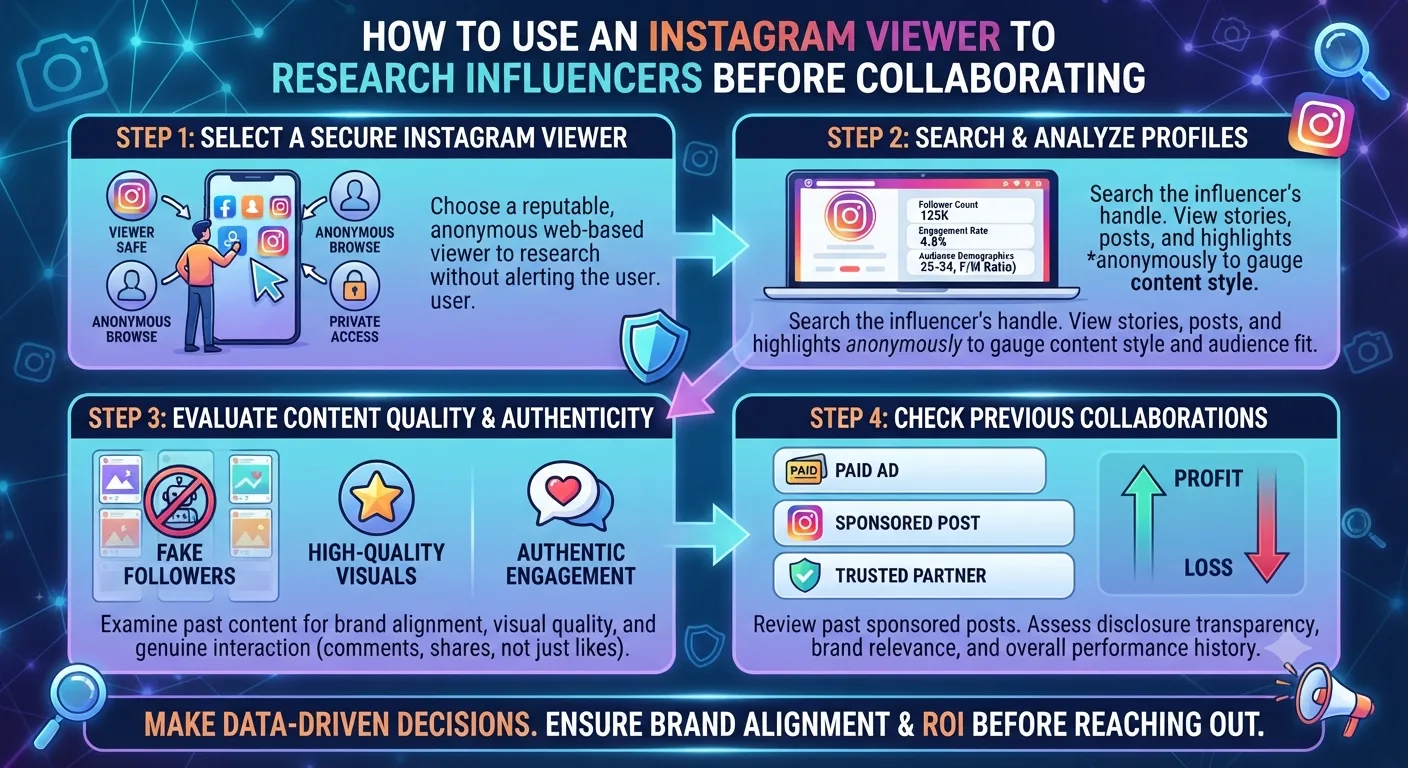
One important limitation of blocking is that a determined person can view your public content through an anonymous Instagram viewer tool or by logging out of their Instagram account. Blocking is best for preventing unwanted viewing by a specific casual audience and keeping them from appearing in your metrics, but it's not a complete privacy solution if the person uses anonymous viewing methods.
Option 2: Restrict the Account
Restricting is a lighter option than blocking which should be used if you want to avoid having the user be aware that you've taken any action against them. When you restrict an account their comments on your posts are only visible to them unless you approve them, their messages go to your message request folder instead of being in your main inbox, they can't see when you've read their messages, and they aren't aware that they've been restricted in any way.
Restriction doesn't prevent someone from viewing your stories if they are a follower. It's more useful for dealing with unwanted contact than unwanted viewing. Use restriction when you want to reduce contact with someone without them knowing that you've taken any action against them.
Option 3: Hide Your Stories From Specific People
Instagram lets you hide your stories from specific accounts without blocking or unfollowing them. The account you hide from won't see your stories, but they will still see your feed posts and profile. They don't receive a notification that they've been hidden.
How to Hide Stories From a Specific Account
1Go to your Instagram profile and tap the three lines in the top right corner.
2Select Settings and Privacy, then Privacy, then Story.
3Tap "Hide story from" and search for the account you want to exclude.
4Select their account and confirm. They are now excluded from seeing all future stories you post.
This is the most surgical option. It removes the specific person from your story audience without impacting anything else and without notifying them of any change.
Option 4: Switch Your Account to Private
If you want to broadly limit who can see your stories beyond just one specific person, switching your account to private is the most protective option - but it also removes all public reach for your stories, which has a big impact on visibility for any account with growth goals.
For personal accounts where content visibility to a specific controlled audience is more important than reach, private mode combined with periodic follower list audits gives you reliable control over who sees your stories.
When to Actually Report an Account
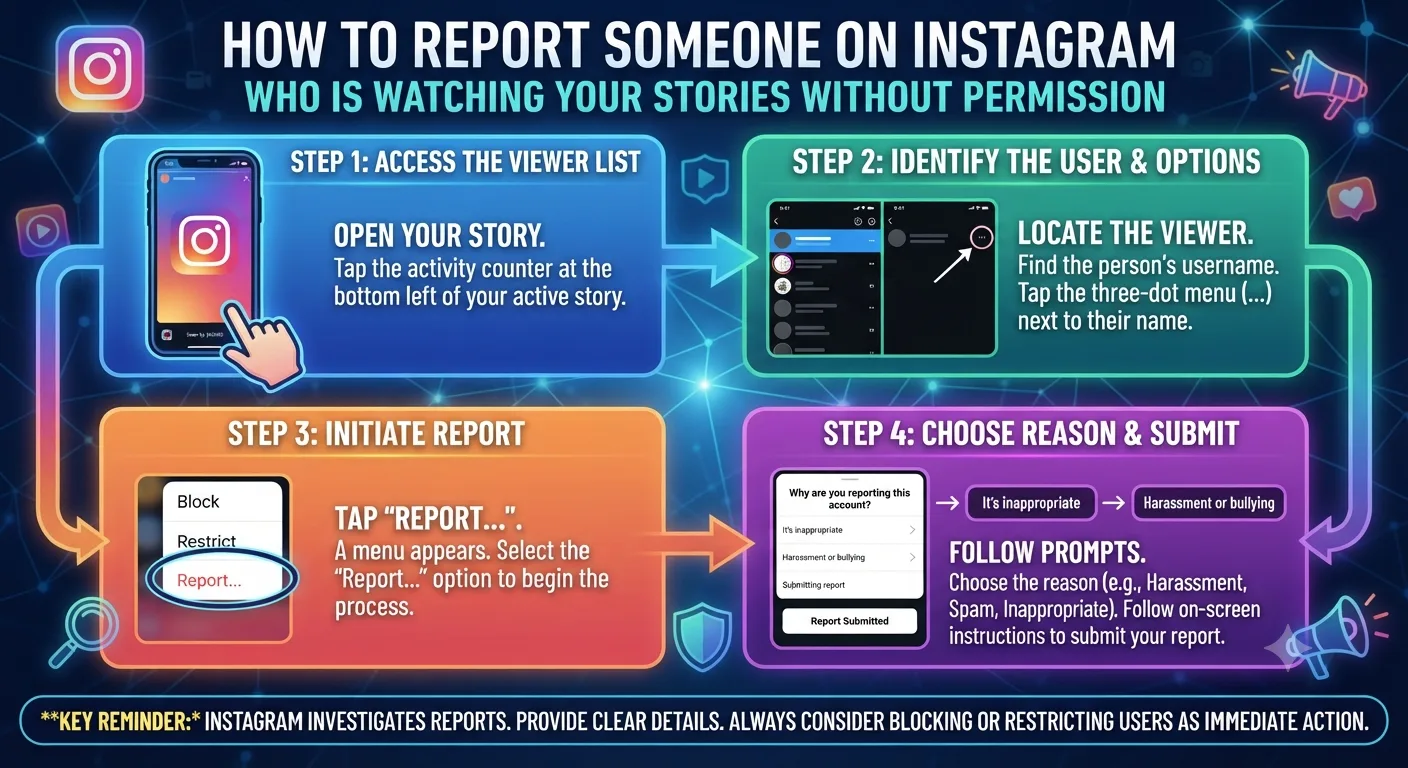
Report an account when story viewing is combined with behavior that actually violates Instagram's community guidelines. Harassment through messages following story views, threats made in comments or DMs, impersonation of you or people you know, posting your content without permission, and coordinated harassment from multiple accounts are all reportable behaviors.
How to Report an Instagram Account
1Go to the profile of the account you want to report.
2Tap the three dots in the top right corner of their profile.
3Select Report and choose the most accurate reason from the options provided.
4Complete the report with any additional information requested. Instagram will review it according to their community standards process.
5Consider also blocking the account after reporting to prevent further contact while the review is in process.
If you are experiencing genuine stalking or harassment: Instagram's tools are a first response but not a complete solution for serious safety situations. If someone's behavior online is escalating or causing genuine fear for your safety, document the behavior by taking screenshots of messages and interactions, report to Instagram, and consider whether the situation warrants involving local authorities. Many jurisdictions now have cyberstalking laws that apply to persistent online harassment behaviors.
How to Use Make.com to Automate Your Entire Instagram Workflow
Key Takeaways
You cannot report someone on Instagram simply for watching your stories. Viewing content you have made available is not a policy violation. Reporting is appropriate when viewing accompanies harassment, threats, or other guideline violations.
Blocking removes someone's access to your entire profile, removes them from your followers, and prevents future following. It is the most complete solution but does not stop viewing through anonymous tools.
Restricting limits communication impact without blocking and without notifying the person. It does not prevent story viewing.
Hiding your stories from specific accounts is the most surgical option, removing them from your story audience without affecting anything else and without notifying them.
Switching to private mode protects all future stories from non-approved followers but eliminates public reach entirely.
For genuine safety concerns involving harassment or stalking patterns, document everything, report through Instagram, and consider legal options available in your jurisdiction.
Frequently Asked Questions
Can I stop someone from watching my Instagram stories without blocking them?
Yes. Use the "Hide story from" option in your Story privacy settings. This removes specific accounts from your story audience without blocking them, unfollowing them, or notifying them of any change. They can still see your feed posts and profile but will not see any future stories you post.
Will someone know if I hide my stories from them?
No. Instagram does not send any notification when you hide stories from a specific account. The person will simply stop seeing your stories in their story tray without any indication of why. They may eventually notice the absence but receive no direct alert about the change.
If I block someone, can they still see my stories?
Not while logged into their blocked account. Blocking prevents them from accessing your profile or stories through Instagram while signed in as themselves. However, if your account is public, they can still view your stories through an anonymous viewer tool or by logging out of Instagram. For complete protection from someone determined to view your content, switching to private mode is necessary alongside blocking.
What happens if someone makes a new account to keep watching my stories after I block them?
Creating a new account specifically to continue contact with someone who has blocked you is a form of harassment that violates Instagram's community guidelines. You can report each new account for this behavior, and Instagram can take action against repeated policy violations including the original account. If this is happening, document the new accounts and report them consistently through Instagram's reporting system.
Can I see who has watched my stories through an anonymous viewer tool?
No. Views through anonymous viewer tools never appear in your story viewer list because no authenticated Instagram account made the request. Your viewer list only shows logged-in Instagram users who watched through the official app or website. If someone is watching your stories anonymously, there is no way to detect this through Instagram's native features.